 ClipGrabber
The problem it solves
You want 20 seconds out of a 40 minute recording. Opening a full video editor for that is overkill, and uploading the whole file to some website just to trim it is slow and hands your video to a stranger.
ClipGrabber does one job. It's modeled on Omacut, the small trimmer DHH made for Omarchy, rebuilt to run in a browser tab. Drop a file in, mark the piece, save it. The original is never touched; you get a new file with just your section.
How it works
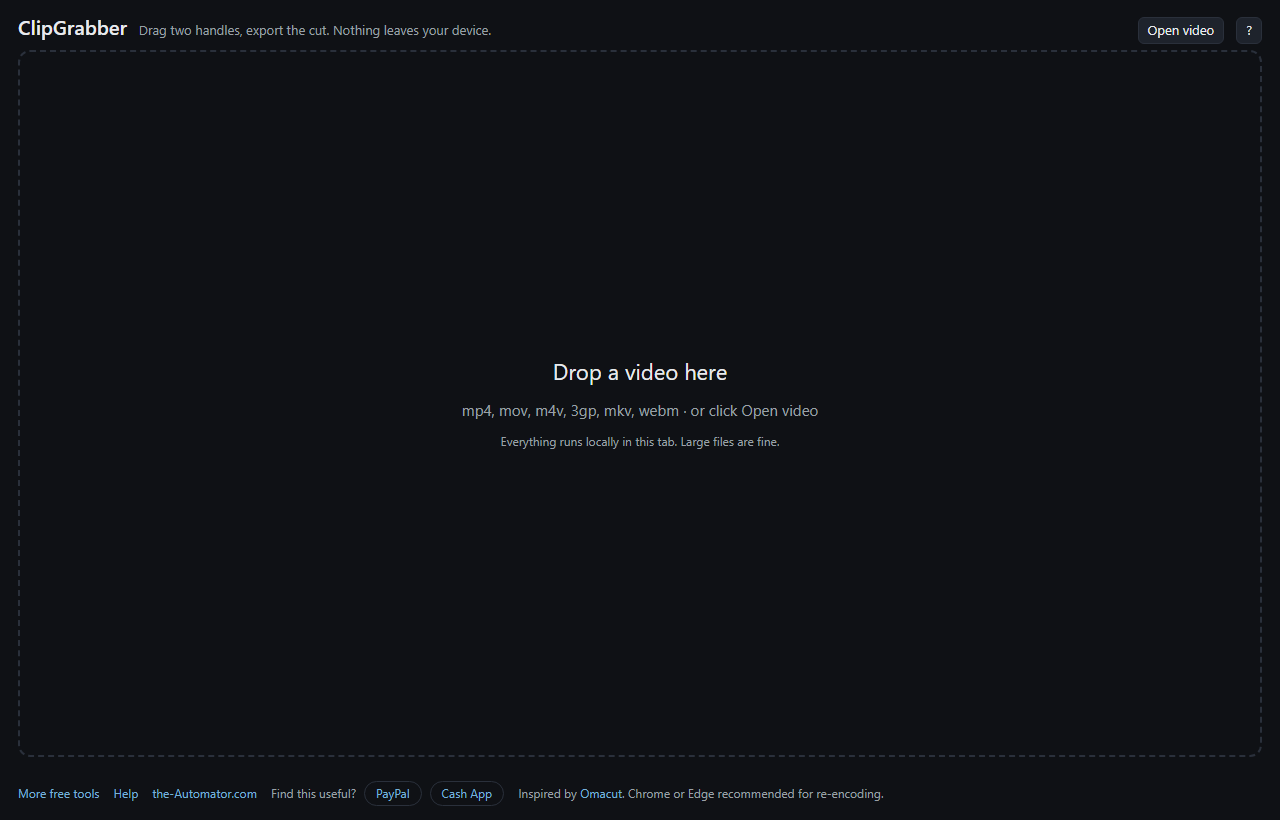
- Open a video. Drag it onto the page or click Open video.
- Mark the piece. Drag the IN and OUT handles on the filmstrip. A time readout floats above the strip while you drag. Press Z to zoom the strip in on your selection for fine work.
- Check it. Click Play clip to watch only the part you marked.
- Export. Pick a quality and click Export. The trimmed MP4 downloads when it's done.
Two ways to cut
Original quality lifts the piece straight out of the file without rebuilding the video. It's quick and there's zero quality loss. The catch: the start has to snap to the nearest earlier keyframe, a full picture the video stores every so often, so your clip may begin a little before the spot you picked. ClipGrabber tells you how much.
Exact cut rebuilds the clip frame by frame, so it starts on the exact frame you chose. It takes longer and loses a little quality. Choosing 1080p or 720p also rebuilds the clip, at that size.
Rough cut of a long recording? Use Original. Catching a precise moment for social media? Tick Exact cut.
Keyboard shortcuts
Space plays and pauses. I and O set the in and out points. Enter plays the clip. Left and Right step one frame, and Shift steps one second. Home and End jump to the in and out points, and Ctrl+S exports. Press ? in the app to see them all.
Why I ask for your email
It tells me who is actually using the tool, which helps me decide what to keep building.
Your video is a different story. ClipGrabber opens, trims and saves the file inside your browser. Nothing is uploaded, and nothing is stored on a server.
I might send you a note now and then about other free tools I build. I will never sell or give your email to anyone else.
Questions people ask
Is it free?
Yes. Sign up once with your first name and email and trim as many videos as you like.
Why does my clip start a little early?
On Original quality the cut snaps to the nearest earlier keyframe. Tick Exact cut if you need the precise frame.
Which browser should I use?
Chrome or Edge. Exact cut and the 1080p and 720p options rebuild the video using a browser feature those two support best. Other browsers can still do the Original quality cut.
What files does it open, and what do I get back?
MP4, MOV, M4V, 3GP, MKV and WebM in; MP4 out. WebM video in VP8, VP9 or AV1 can't be copied into an MP4, so it gets re-encoded and the app warns you first.
Can I cut out the middle and join the ends?
No. ClipGrabber keeps one continuous piece. Export the two parts separately if you need both.
Does it work on a phone?
It can, but a phone is slower at rebuilding video and big files may run it out of memory. A computer is the better choice for long recordings.